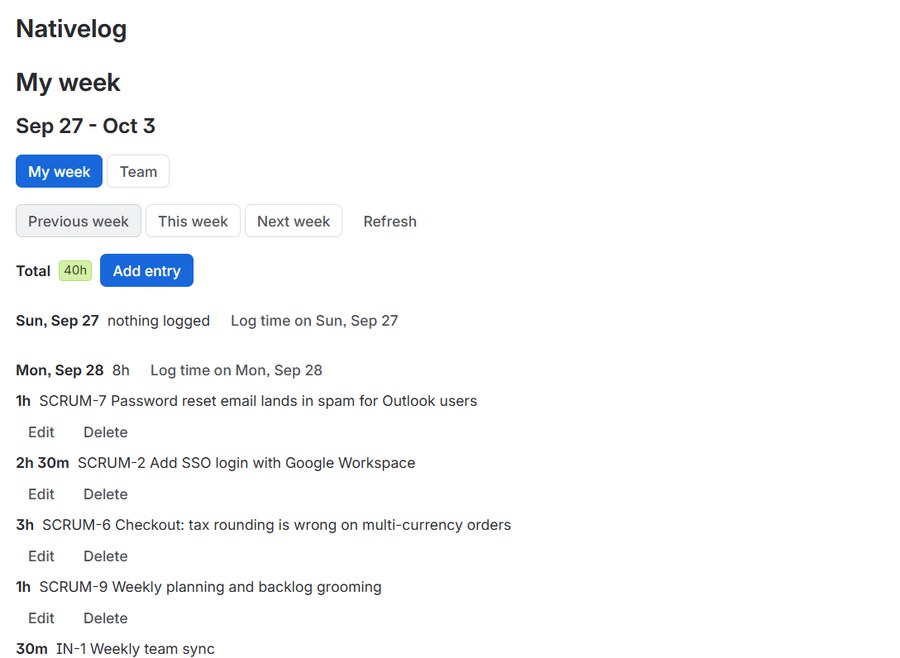
Your week on one screen. Every hour is a real Jira worklog, logged as you.
Time tracking for Jira Cloud that keeps no copy of your hours. What you log is a native worklog, under your own name, in your own Jira.
The hours belong in Jira
Many Jira time trackers keep your hours in their own database and push a copy back
into Jira, sometimes under the app's name instead of yours. You find out when a
filter on worklogAuthor comes back empty.
Nativelog has no copy. Each entry is created through Jira's API with your own account, so your saved filters, automation rules, dashboard gadgets and exports see it like any other worklog.
What it does
Timer on the work item
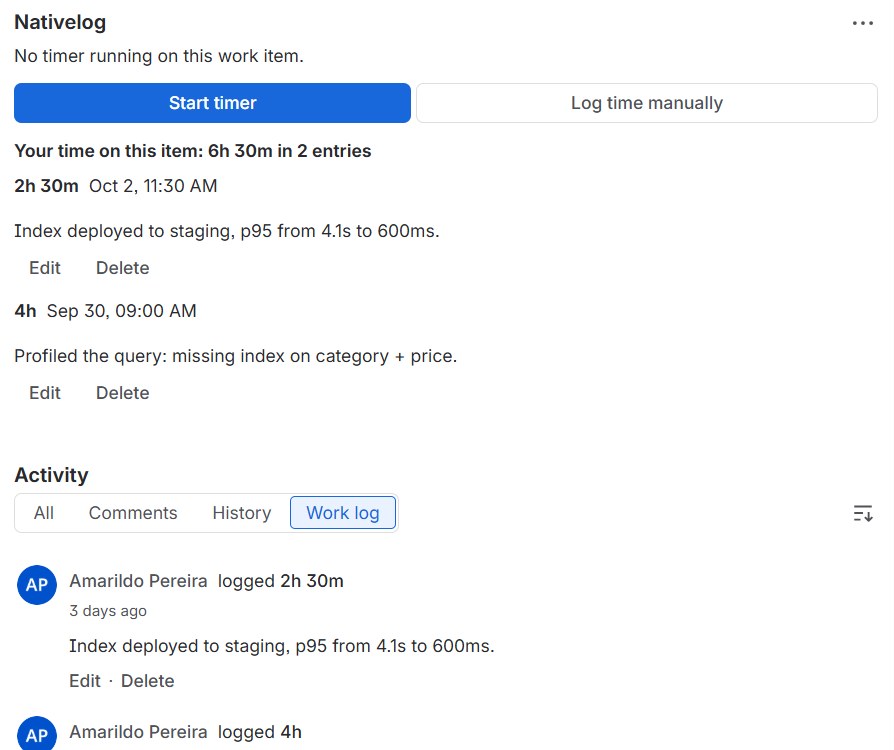
Start it where the work is. When you stop, one worklog is written with the right start time.
Manual entries
Log time for today or for last Friday, in hours and minutes. Edit or delete your own entries.
My week
Seven days with a total per day. Add time against any work item without opening it.
Team view
Who logged what this week, read-only, for the people who close the month.
Export
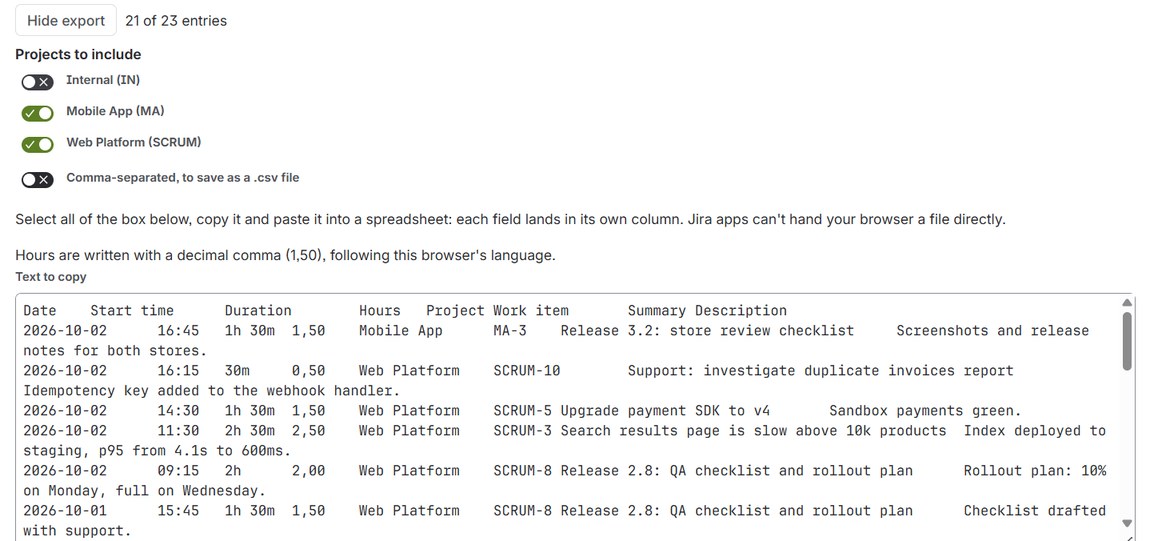
Paste the week into a spreadsheet or save it as CSV, leaving out the projects you choose.
Five languages
English, Portuguese, Spanish, German and French, following your Jira language.
What it does not do
No approval workflows. No billing rates, budgets or invoicing. No capacity planning. No mobile app.
If you need a professional-services suite, there are good ones. If you need time tracking that tells Jira the truth, this is it.